Guide · 03 July 2026
Roblox Colouring Pages: Print Them, Make Your Own, What to Watch Out For

By Liska,
has been playing Roblox and Murder Mystery 2 for almost three years
Last checked on 10 August 2026
Roblox pictures to colour in are popular with children. Here you can read which pictures work, how to make your own colouring page from your avatar, and how to spot download sites you cannot trust.
Contents
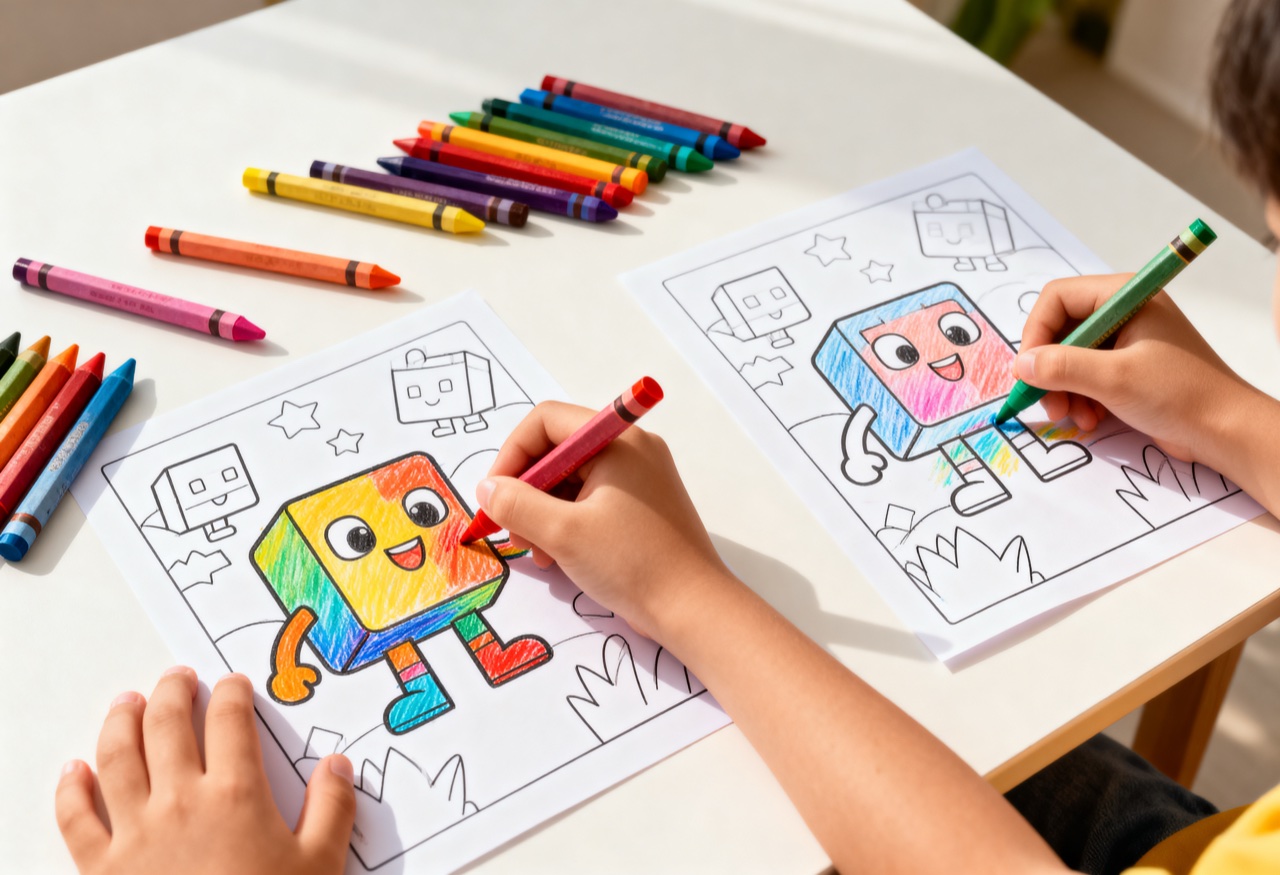
Roblox colouring pages are popular with primary school children, because they recognise the figures from the game. The best template is often your own avatar, and you can get that onto paper yourself in a few minutes. Here is how it works, which pictures are suitable, and why you should look closely at sites that offer “free Roblox colouring pages”.
A colouring page from your own avatar: how it works
The way that works best for us needs no download at all:
- Take a screenshot. Put the avatar in front of a light background, either in the game or on the Roblox profile page, and take a picture of the screen. On a Mac that works with
Shift + Cmd + 4, on Windows with the Print Screen key. - Take the colours out. In the Photos app or any photo program, pull the saturation down to zero and turn the contrast up. What you are left with are strong outlines.
- Print it. Print in greyscale and with a light setting, so the areas stay white and there is room to colour them in.
The second way is even easier and is usually more fun for children: hold a sheet of paper against the screen and trace the outlines. Roblox figures are made of rectangles, so this works even if you cannot draw.
Which pictures work
Not every picture from the game is suitable. What has proved itself:
The classic figure. Blocky head, straight arms, clear edges. Ideal for younger children, because the shape is simple and still recognised straight away.
Figures with accessories. A hat, a backpack, wings, a pet. One single extra makes the picture more interesting without overloading it.
Single objects. A knife from Murder Mystery 2, a chest, a vehicle. Big areas, few lines, good for colouring in. If you want to know what MM2 actually is, there is a calm explanation on our page about MM2 trading.
What does not work: whole game scenes with a background. On the screen that looks great, on paper it turns into a tangle of lines.
Careful with download sites
If you search for free Roblox colouring pages, you quickly land on sites that want an email address before you get anything. Some even want you to sign up, or they show adverts that look like a download button.
For children that is unhelpful for two reasons. First, they give away an email address, often their parents’ one, and they do not know where it ends up. Second, these sites sit in the same corner of the internet as the ones promising “free Robux”. It is the same scam with a new label.
Our advice: if a site wants personal data before the download, better to move on. Making one yourself takes five minutes, and then it belongs to you.
Printing: what you need to know
A4 is plenty, and a normal home printer is too. Printing in greyscale saves ink and leaves more white space for colouring in.
Thicker paper is worth it if the children work with felt tip pens, otherwise the colour soaks through. 120 gsm is enough, and every stationery shop has it.
You are allowed to print out pictures from the game freely at home, at school or at nursery, and to colour them in. You are not allowed to sell them or use them commercially. The figures belong to Roblox.
Why colouring pages are a good idea in the first place
Colouring pages are no replacement for the game, but they help in moments when the screen is meant to stay off. The child stays with the thing they love without sitting in front of the device. That sounds obvious, but in practice it works better than any discussion about screen time.
Younger brothers and sisters can join in without knowing Roblox. And for birthday parties or school projects about gaming, it is the easiest activity there is.
If you want to start with Roblox right from the beginning, that is, to really understand what it is and how the platform works, our page What is Roblox gives you an overview without the jargon. And if it is about trading in the game, the MM2 value list will help you further.
Frequently asked questions
How do I turn a Roblox avatar into a colouring page?+
Take a screenshot of the avatar in the game or in the browser, with a light background behind it. After that a simple photo program on the computer is enough: turn the contrast up, take the colours out, then print in greyscale. If you want it more exact, hold a sheet of paper against the screen and trace the outlines. With the blocky Roblox figures that is surprisingly easy, and children usually like doing it themselves.
Which Roblox pictures are good for colouring in?+
Simple shapes work best: the classic Roblox character with the blocky head, figures with a hat or a backpack, and plain objects from well known games. The fewer the details, the easier it is to colour in. Scenes with lots of detail look good on the screen, but printed out they quickly turn into a muddle.
What age are Roblox colouring pages right for?+
Simple pictures suit children from about 5 years old. Older children who already play Roblox know the figures and enjoy colouring in the details. Younger brothers and sisters can join in without knowing the game, because the shapes are clear and easy to recognise.